Update
This guide walks you through updating PrestaBlog according to your PrestaShop version, as well as resolving the most common errors after an update.
Update via Marketplace (PS8/9)
Before any update, as with any PrestaShop module, it is recommended to have a recent backup of the site (files and database).
On PrestaShop 8 and 9, the update is done directly from the integrated Marketplace in the back-office. Simply click on Update when a new version is available.
Manual Update (PS 1.6 to 9)
A manual update is possible on all PrestaShop versions (1.6, 1.7, 8 and 9). On PrestaShop 1.6 and 1.7, the update is not always offered automatically from the interface. On PrestaShop 8 and 9, it is normally done through the built-in Marketplace, but it can happen that the PrestaShop Addons account does not work properly, or that an available update is not detected: in these cases, you can also proceed manually. The procedure is still available from your PrestaShop Addons account, as during the installation:
- Log in to your PrestaShop Addons account
- Open your Products area
- Search for the PrestaBlog module
- Download the latest available version
- Install the update on your store (as you would for a ZIP installation)
After an update, if you see an error, check that the PrestaBlog module is properly enabled in the module list.
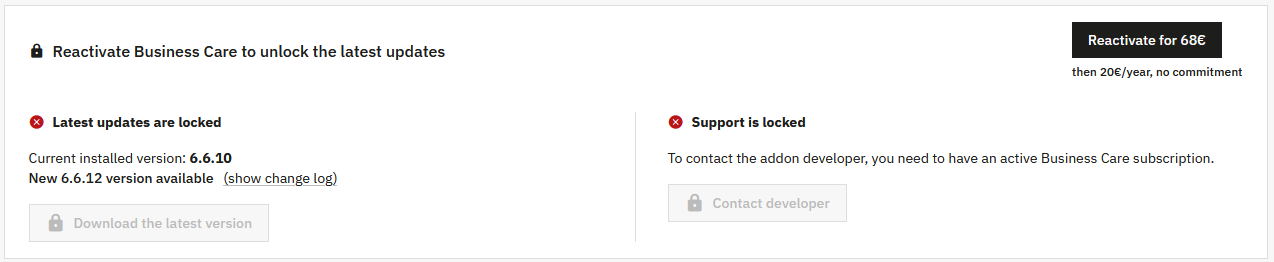
Business Care
Errors After Update (overrides)
PrestaBlog Template Overrides in the Theme
This is the most frequently encountered problem after an update.
In some themes, PrestaBlog template files have been copied and modified directly in the theme, without any real functional need. These overrides may concern front-end files such as list templates, article templates, or menu templates.
When PrestaBlog is updated, some files may be modified to fix a bug, add an option, or ensure compatibility with a new version of PrestaShop. These fixes are then not applied if an old override is still active in the theme.
Common Symptoms
- Display bug in the front-end after update
- Smarty errors or inconsistent behavior
- Recent features missing even though the module is up to date
Recommended Diagnosis
- Check for the presence of the folder
/themes/your_theme/modules/prestablog/ - Compare override files with the module's native templates
- Check the changelog of the installed version to identify affected files
Solution
- Delete or temporarily rename overrides to test
- Reintegrate only strictly necessary modifications
- Always check theme overrides in case of bugs after update
Need help?
If you encounter difficulties, our support is available to help you.
Response usually within 15 minutes during business hours.