Aktualizace
Tento průvodce vás provede aktualizací PrestaBlog podle vaší verze PrestaShop, stejně jako řešením nejčastějších chyb po aktualizaci.
Aktualizace přes Marketplace (PS8/9)
Před jakoukoli aktualizací, stejně jako u každého modulu PrestaShop, se doporučuje mít aktuální zálohu webu (soubory a databáze).
Na PrestaShop 8 a 9 se aktualizace provádí přímo z integrovaného Marketplace v back-office. Stačí kliknout na Aktualizovat, když je k dispozici nová verze.
Manuální aktualizace (PS 1.6 až 9)
Manuální aktualizace je možná ve všech verzích PrestaShop (1.6, 1.7, 8 a 9). Na PrestaShop 1.6 a 1.7 není aktualizace vždy automaticky nabízena přímo v rozhraní. Na PrestaShop 8 a 9 se běžně provádí přes integrovaný Marketplace, ale může se stát, že účet PrestaShop Addons nefunguje správně nebo že dostupná aktualizace není detekována: v takových případech můžete rovněž postupovat manuálně. Postup je stále dostupný z vašeho účtu PrestaShop Addons, stejně jako při instalaci:
- Přihlašte se ke svému účtu PrestaShop Addons
- Otevřete svou sekci Produkty
- Vyhledejte modul PrestaBlog
- Stáhněte nejnovější dostupnou verzi
- Nainstalujte aktualizaci na svůj obchod (stejně jako při instalaci ze ZIP)
Po aktualizaci, pokud vidíte chybu, zkontrolujte, že je modul PrestaBlog správně aktivován v seznamu modulů.
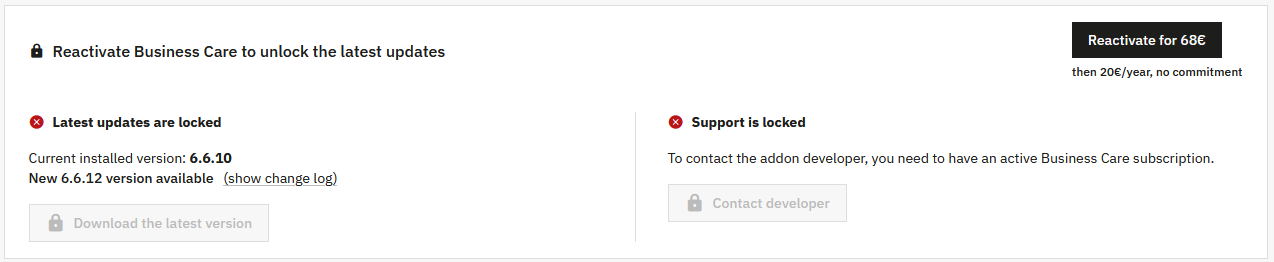
Business Care
Chyby po aktualizaci (overrides)
Přepisy šablon PrestaBlog v tématu
Toto je nejčastěji se vyskytující problém po aktualizaci.
V některých tématech byly soubory šablon PrestaBlog zkopírovány a upraveny přímo v tématu, bez skutečné funkční potřeby. Tyto přepisy se mohou týkat front-endových souborů, jako jsou šablony seznamů, šablony článků nebo šablony menu.
Když je PrestaBlog aktualizován, některé soubory mohou být upraveny pro opravu chyby, přidání možnosti nebo zajištění kompatibility s novou verzí PrestaShop. Tyto opravy pak nejsou aplikovány, pokud je starý přepis stále aktivní v tématu.
Časté příznaky
- Chyba zobrazení na front-endu po aktualizaci
- Chyby Smarty nebo nekonzistentní chování
- Chybějící nedávné funkce, přestože je modul aktuální
Doporučená diagnostika
- Zkontrolujte přítomnost složky
/themes/vase_tema/modules/prestablog/ - Porovnejte soubory přepisů s nativními šablonami modulu
- Zkontrolujte changelog nainstalované verze pro identifikaci dotčených souborů
Řešení
- Smažte nebo dočasně přejmenujte přepisy pro testování
- Znovu integrujte pouze nezbytně nutné úpravy
- Vždy kontrolujte přepisy tématu v případě chyb po aktualizaci
Potřebujete pomoc?
Pokud narazíte na potíže, naše podpora je k dispozici, aby vám pomohla.
Odpověď obvykle do 15 minut během pracovní doby.